Features / System debugging and permissions
Accessibility or Shizuku in Dev Tools. Which should you choose?
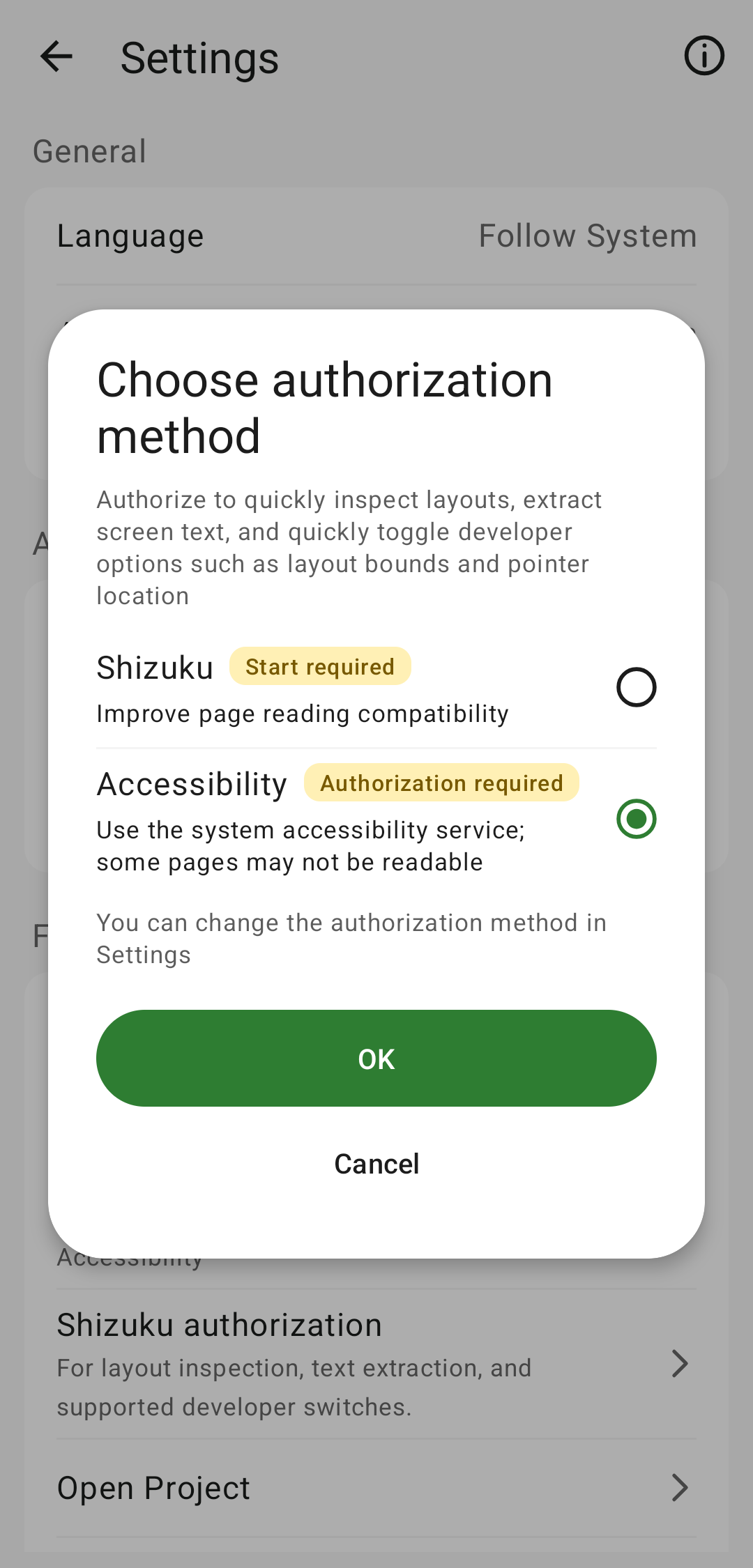
In the Dev Tools App 10.3.0, choose a method for the task you’re doing. Page reading and Activity recording have their own methods. Quick locate can take you to an Android switch for manual control.
1. Choose by task
- Inspect Layout and Copy Text can read nodes through accessibility. Shizuku can capture a single node snapshot. The current page-reading flow can still ask you to enable the app’s accessibility service.
- For Record Activity, accessibility listens to window events and Shizuku polls the foreground task. Recent app use tracks switches observed through accessibility.
- Developer switches can be located for manual control, changed with accessibility assistance, or changed directly through Shizuku where supported.
2. Check the service connection
Choose page-reading authorization from the relevant tool and Developer options control from the app settings. Start Shizuku in its manager before authorizing the app. If the service is stopped, start it again. The wireless debugging startup method requires Android 11 or later. For accessibility, return to the tool and check that the service has connected.
3. Verify a change after restarting
For example, open Pointer location with Quick locate, record the original value, and verify the coordinate bar appears after enabling it. When using Shizuku after a reboot, check that it’s running. If the app says the switch result is unconfirmed, check Android’s current value before trying again. To manage accessibility by hand, see how to turn the accessibility service on or off.