Features / System debugging and permissions
How to use and turn off Don’t keep activities on Android
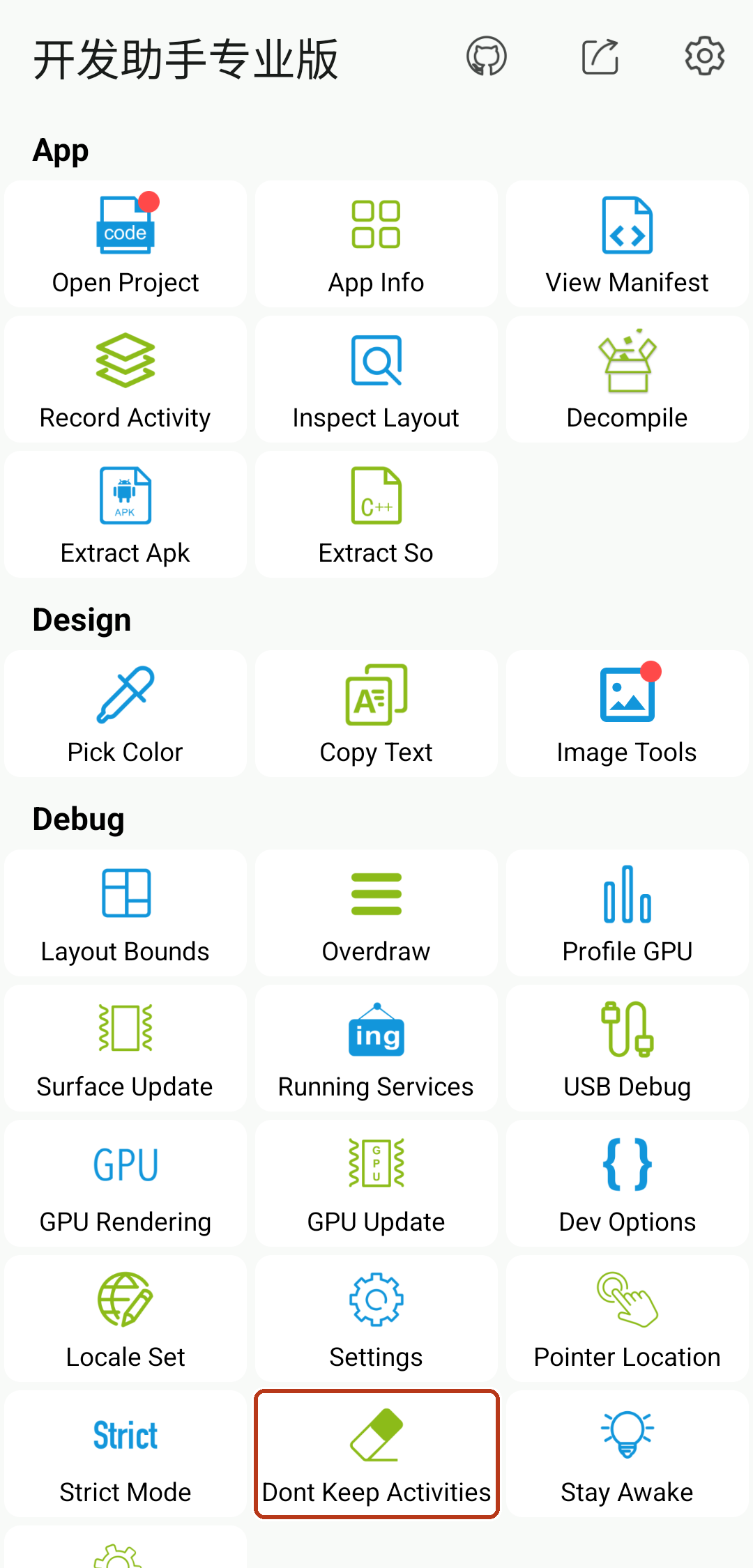
Dont Keep Activities in the Dev Tools App opens or controls the corresponding Android setting. Enable it, leave your test Activity and return to see what the form restores when the Activity is recreated.
1. Prepare a repeatable form test
Enable Developer options and use a form in your own app. Pick a dummy value such as Demo 42. Check the initial value of Don’t keep activities and run the test once with the switch off.
2. Enable the setting and repeat the same steps
Use Dont Keep Activities in Debug and enable the corresponding system switch. Open the form, type the same value, press Home and return through Recents. Record whether the screen was rebuilt and whether the field kept, lost or restored its value.
3. Restore the switch and write down the difference
Return the switch to its original value and confirm it in Android Settings. A comparison might read “Off: Demo 42 kept. On: field blank on return.” Fill in your actual results. See how to retest a form that loses its state for a full comparison.