Use cases / Testing and bug reports
How to retest an Android form that loses data after switching apps
Use the Dev Tools App to find Don’t keep activities. Switch to another app and back with the setting off, then repeat with it on. Record the returned screen and form values, and restore the original setting.
1. Prepare the same inputs for both runs
Use a test form in your own app. For example, type Demo 42 in the name field and Draft A in notes. Record the app build, Android version and original switch value. Start with an empty form each time and leave it unsubmitted.
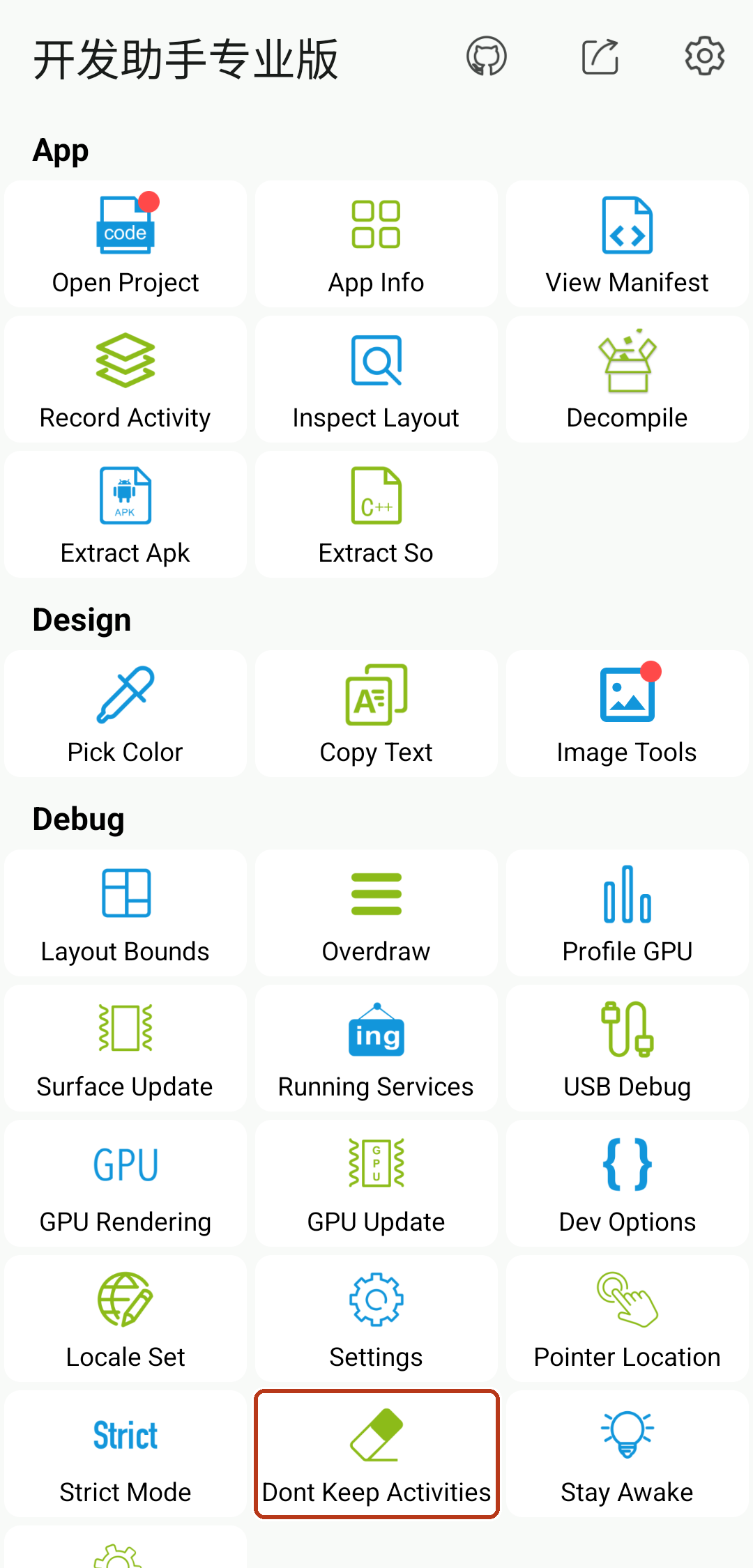
2. Repeat the same round trip
- 2.1With Don’t keep activities off, fill the form, press Home, open another app and return through Recents.
- 2.2Turn it on and repeat the same input, wait and return. Record how long you were away and what comes back in each field. If a different screen opens, Activity history can help identify it.
- 2.3Restore the original switch value.
3. Fill in a regression record
“Off: name ___, notes ___, returned screen ___. On: name ___, notes ___, returned screen ___. Restored setting ___.” Fill in what you saw, then compare the observed state with the app’s expected behavior.