Use cases / Work and time tracking
Rehearse a 12-minute presentation and find the section that ran over
Create a Multi-stage timer in the New Second App with Opening (2 minutes), Main talk (7 minutes) and Questions (3 minutes). Together the targets give you a 12-minute slot.
1. Leave the speaker in control of stage changes
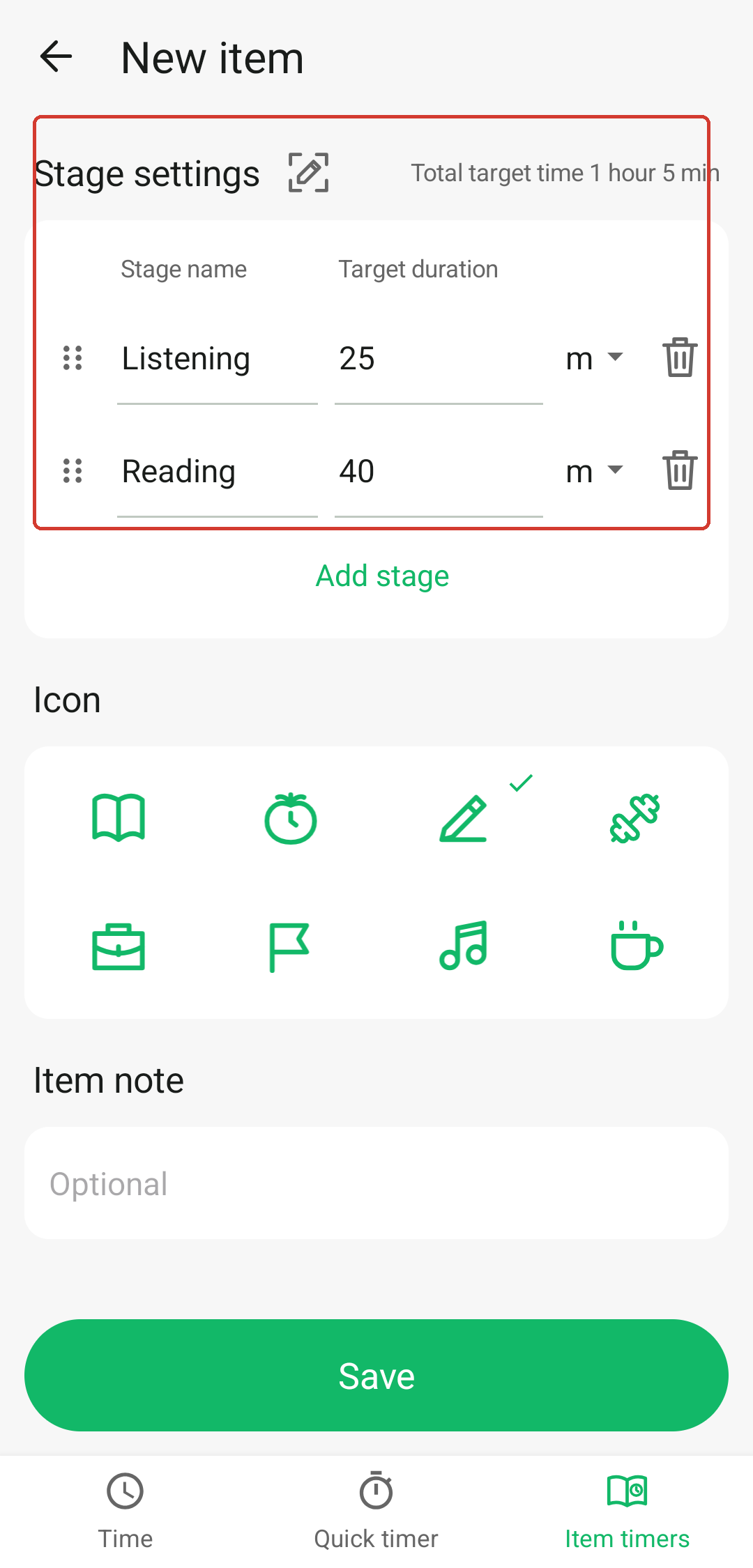
In the stage settings, choose Manual for switching to the next stage. Enable a stage reminder and set an advance time, for example 15 seconds. Try the sound or vibration before the rehearsal.
2. Mark the real transitions
Start on your first words. Tap Next stage when you actually move to the main talk, and again when you invite questions. End the session after the last answer. A late transition is worth capturing.
3. Read the result even if the total was exactly right
Suppose the record shows 2:10, 6:45 and 3:05. That still totals 12:00, but the opening ran 10 seconds over and questions ran 5 seconds over. Rehearse the opening again with one example removed.