Features / UI inspection and design
How to copy Android screen text that you can’t select
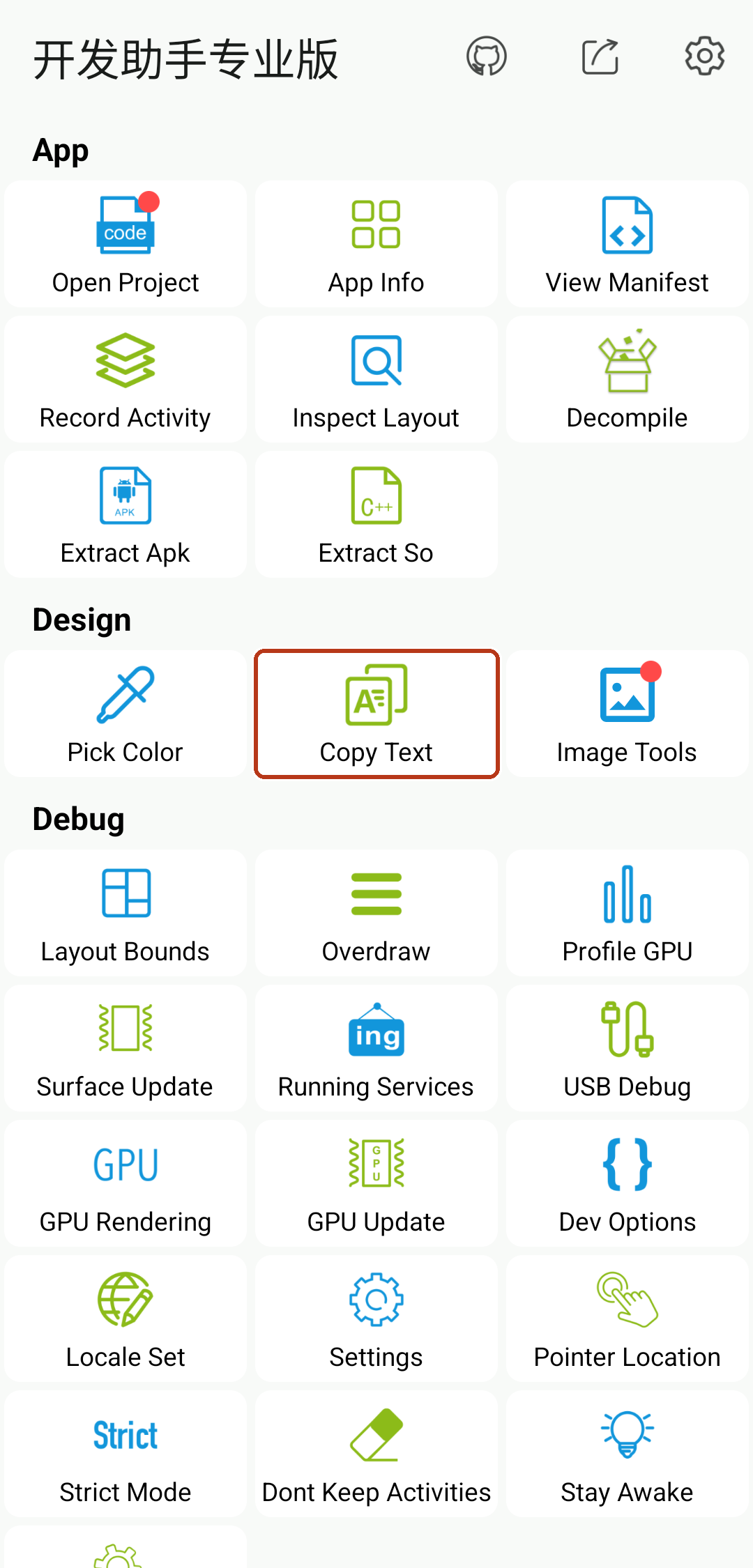
Open Copy Text in the Dev Tools App and tap the floating control on the target screen. You can select one text item or collect the text that the whole screen exposes.
1. Start with a readable label
In Design, open Copy Text and follow the prompts for page access and the floating window. Try a normal heading on your own demo screen, such as Product feature demo. Words baked into an image with no accessible description can’t be read from its pixels by this tool.
2. Collect one item or the whole screen
- 2.1Open the floating control, then pick the text item you want or switch to the full-screen results.
- 2.2Search the results and use deduplication or reverse order if needed. Copy or share the selected output. Use auto-hide when the floating control covers the text.
3. Check what you copied
Paste the heading into a test note and compare its wording and punctuation with the screen. If the full-screen result omits a label, inspect the layout to see which properties the app exposes for that node.