Features / Device information
How to find an Android phone’s CPU bitness, ABIs, memory and storage
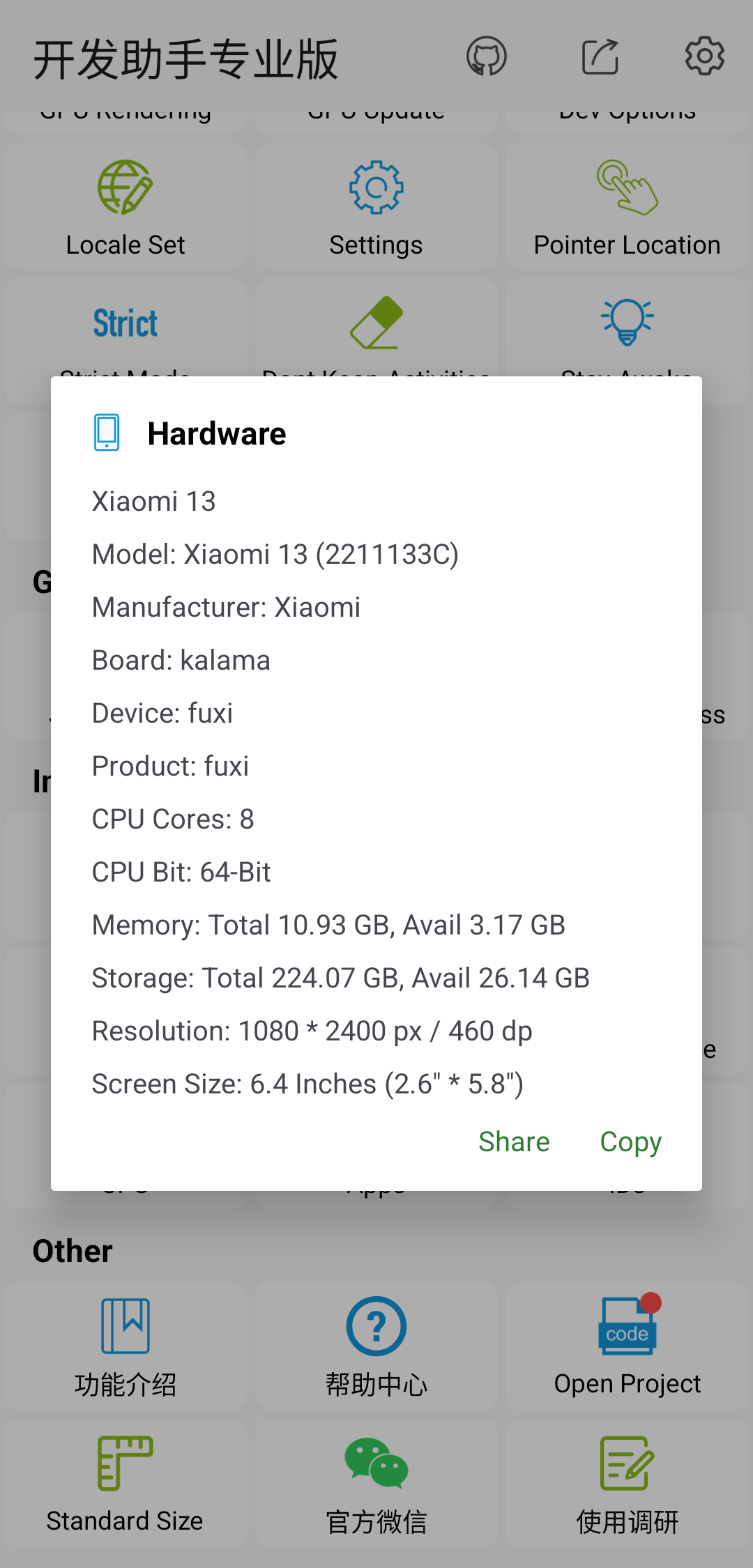
Open Hardware and CPU in the Information section of the Dev Tools App. These views show the system model, processor count visible to the app, bitness, ABIs, memory and storage.
1. Identify the device in Hardware
Copy the model and manufacturer. Add the board, device, product code or hardware string if they matter. Memory and storage show totals and available amounts. The available amounts change as the device is used.
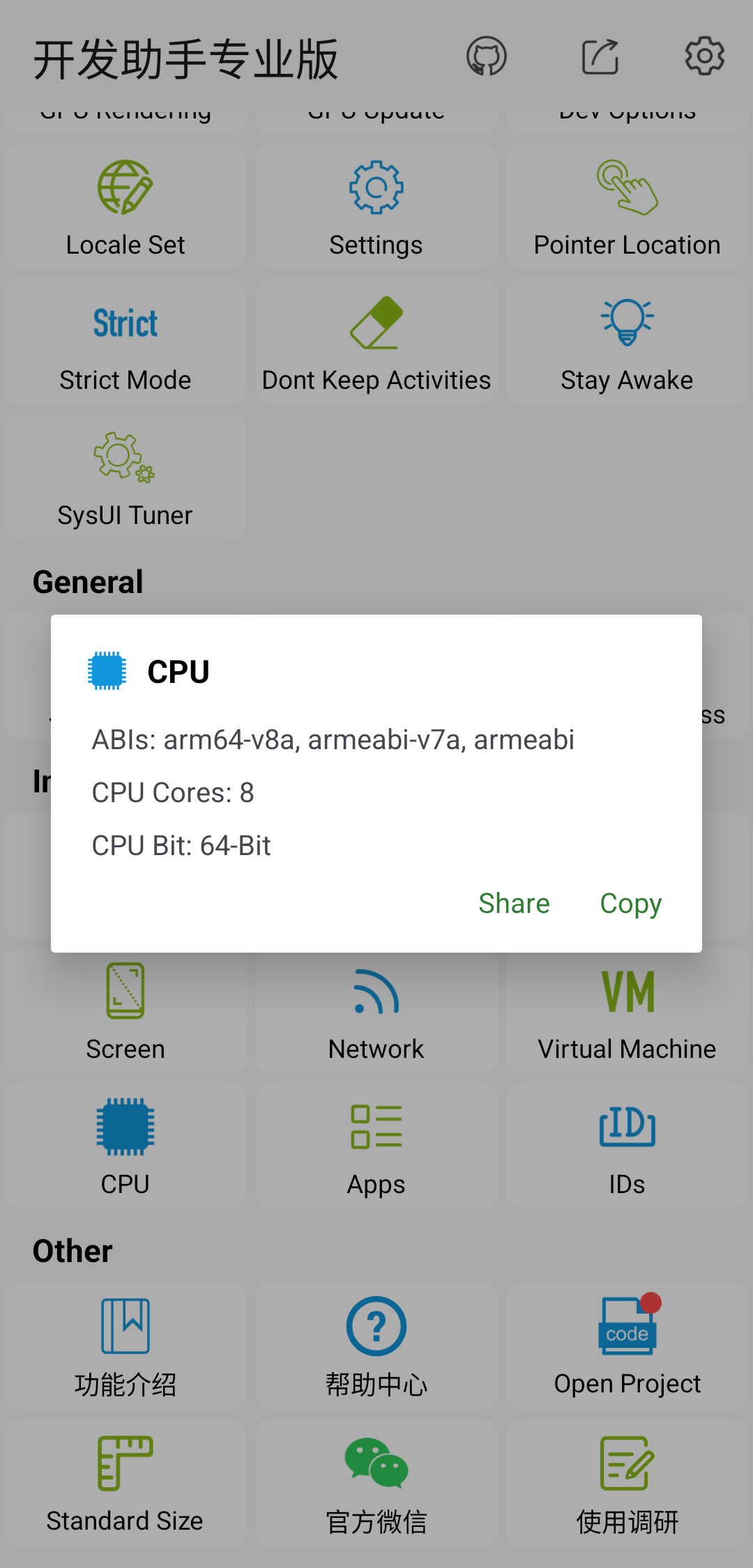
2. Check the supported ABIs in CPU
Record the core count, bitness and listed ABIs. The count comes from the processors visible to the app’s runtime. One Xiaomi 17 running Android 16 reported arm64-v8a, eight cores and 64-bit support.
3. Match device support to your APK
If the phone lists only arm64-v8a and your package contains libraries only for armeabi-v7a, those two ABI lists do not overlap. Check split APKs for a split release. For the package side of the comparison, inspect its native libraries.