Features / Device information
Which device IDs can Dev Tools read on Android?
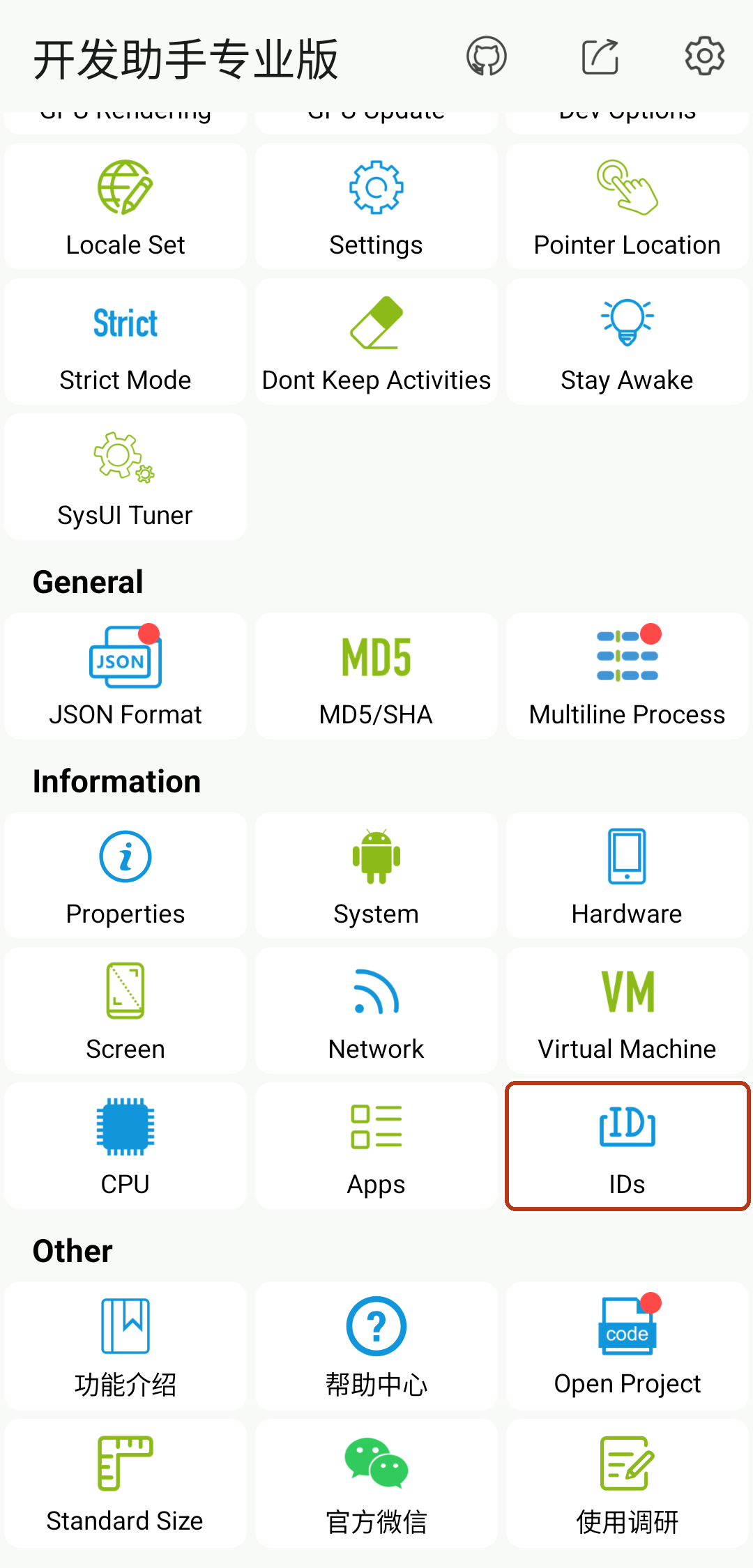
In the Dev Tools App, open IDs under Information to see the identifiers available to the app. IMEI, hardware serial and SIM data depend on the Android version and its access rules.
1. Check the permissions on your phone
Open IDs and follow the phone-permission prompt. A Google Service Framework ID is available only when the relevant service exists and its data is readable. Phones without a SIM, or builds that omit a value, can show empty fields.
2. Interpret the values by Android version
On Android 10 and later, the tool reports restrictions for IMEI, SIM serial and IMSI. Hardware serial also depends on system restrictions. Older versions can return values when permissions and device support allow it. Phone numbers and MAC addresses can be blank or replaced by the system.
3. Share what was visible
A test report can say “Android 16, IMEI restricted, GSF ID not shown, SIM serial restricted.” This is enough to report field availability. If a screenshot is needed, mask any actual numbers and identifiers.