Use cases / Testing and bug reports
What test environment details should an Android bug report include?
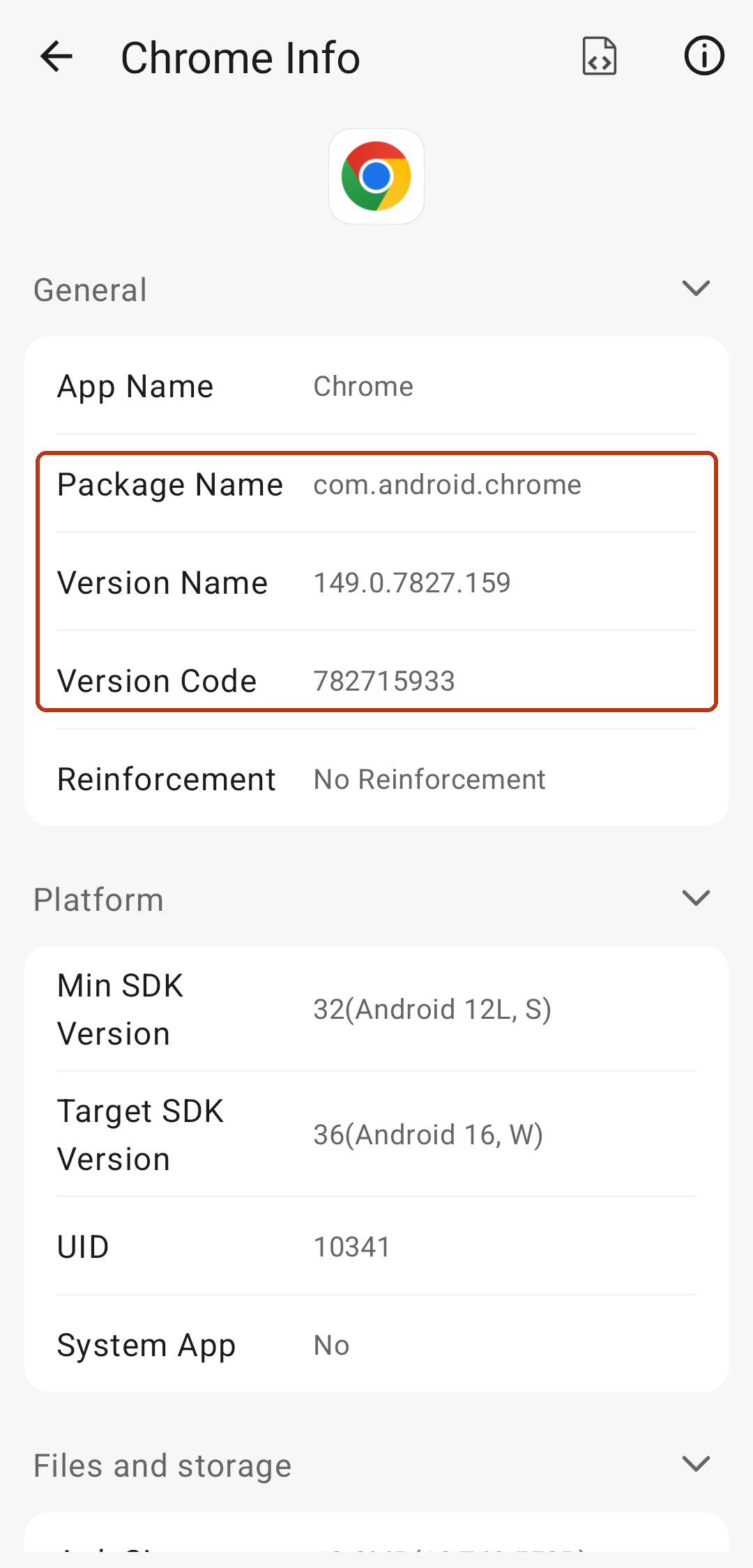
For an Android bug report, include the package, version name and version code, then the phone model, Android release and API level, resolution and active refresh rate. Read the fields in App Info and Information in the Dev Tools App.
1. Record the phone where it happened
Write down the public screen or page where you saw the issue. Keep the phone in the same orientation and display mode while you collect the system readings.
2. Collect the fields from the two sections
- 2.1Copy the package, version name and version code from App Info.
- 2.2Get the model from Hardware and the Android release and API level from System.
- 2.3In Screen, note resolution and current refresh rate. For a UI issue, add available resolution or density if relevant.
3. Include one line that identifies the setup
One capture gave this environment line: “Demo app, feature details, com.example.productcapture.demo, 1.0.0 (version code 1). Xiaomi 17, Android 16 / API 36, 1220 × 2656 px, 120 Hz.” Replace these with values from your test run. Follow the environment line with steps, expected behavior and what happened.