Features / Files, text and shortcuts
How to hash a batch of strings with MD5 or SHA on your phone
The MD5/SHA entry under General in the Dev Tools App opens a web tool when enabled. It can hash the entire input or compute a result per line with MD5, SHA-1, SHA-3, SHA-256 or SHA-512.
1. Pick the algorithm and input
Open MD5/SHA and try the public test string abc. Keep any spaces or line breaks that belong to the input you want to compare. For certificates, use the app signing fingerprint.
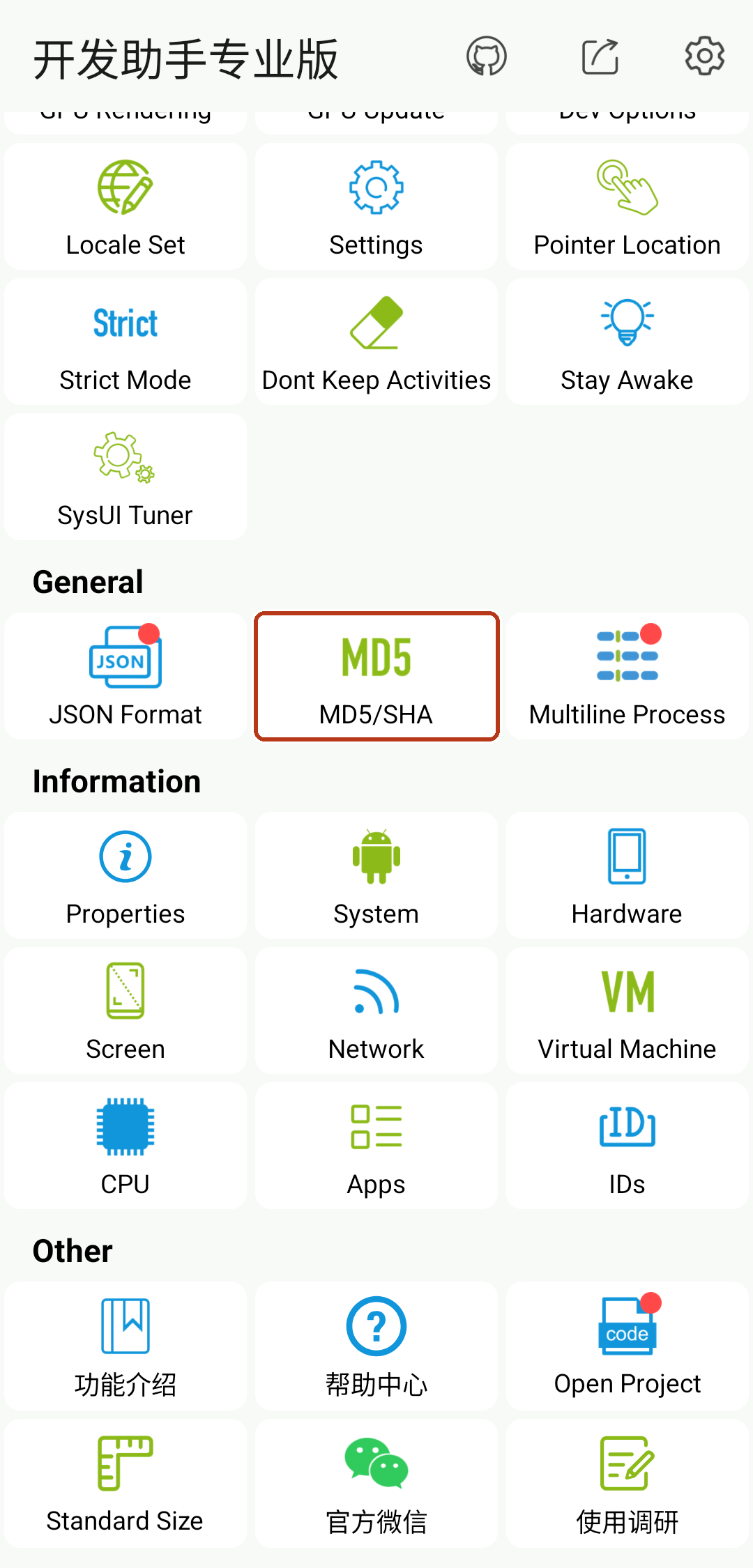
2. Hash each line separately
Enter abc on two lines, turn on line-by-line processing and select MD5. The two output lines should match. With different strings, match outputs to the input line order. Turn line-by-line processing off to hash the whole input once.
3. Check a known result
With plain abc and no trailing newline, MD5 is 900150983cd24fb0d6963f7d28e17f72 and SHA-256 is ba7816bf8f01cfea414140de5dae2223b00361a396177a9cb410ff61f20015ad. The web tool’s SHA-3 button calls the CryptoJS Keccak implementation. Check the expected algorithm before comparing with a system that uses FIPS SHA-3.