Features / APKs and resources
How to export an installed app’s APK from an Android phone
Select your installed test build in Extract Apk in the Dev Tools App to save the base APK. For a split install, the export contains one base package file.
1. Check the source before exporting
Open your test build in App Info. Under Files and storage, look for Apk Size, Apk Path, any split paths and Data Directory. The size is for the base APK. Record the data directory separately.
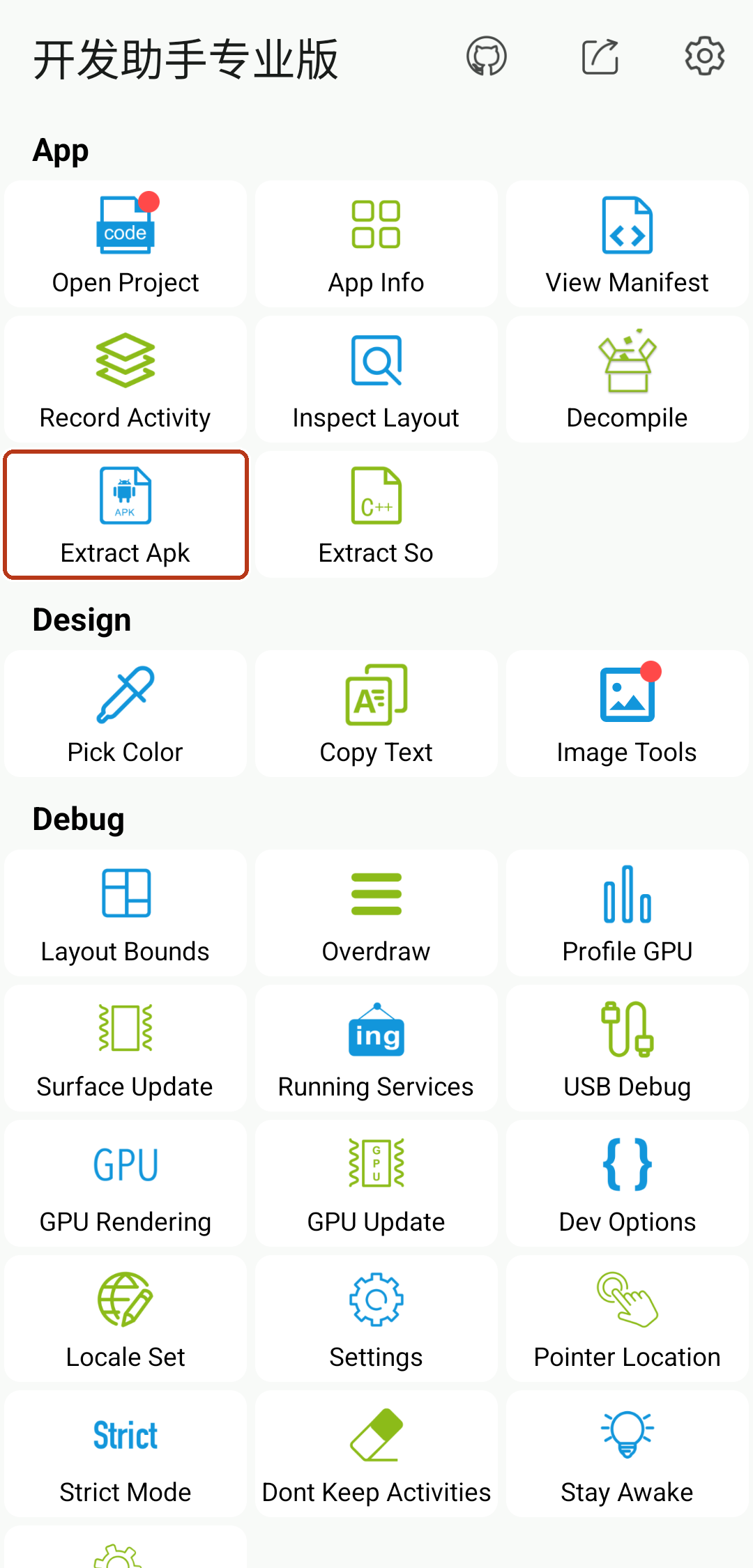
2. Save the APK and find it
Return to the App section and tap Extract Apk. Select the app and save it. Open the folder shown in the confirmation and look for the .apk file. Its name usually includes the app name and export time.
In a device capture, our demo’s base APK was 29,223 bytes. The confirmation displayed Document/DevTools/apk. Use the location shown by your own device.
3. Verify which part you saved
If App Info shows base.apk and split_config.arm64_v8a.apk, expect one exported file corresponding to base.apk. Use your complete release artifacts or the original distribution channel to reproduce a split installation on another test device. Settings and user data live in a separate app directory.