Features / System debugging and permissions
How to see running services on an Android phone
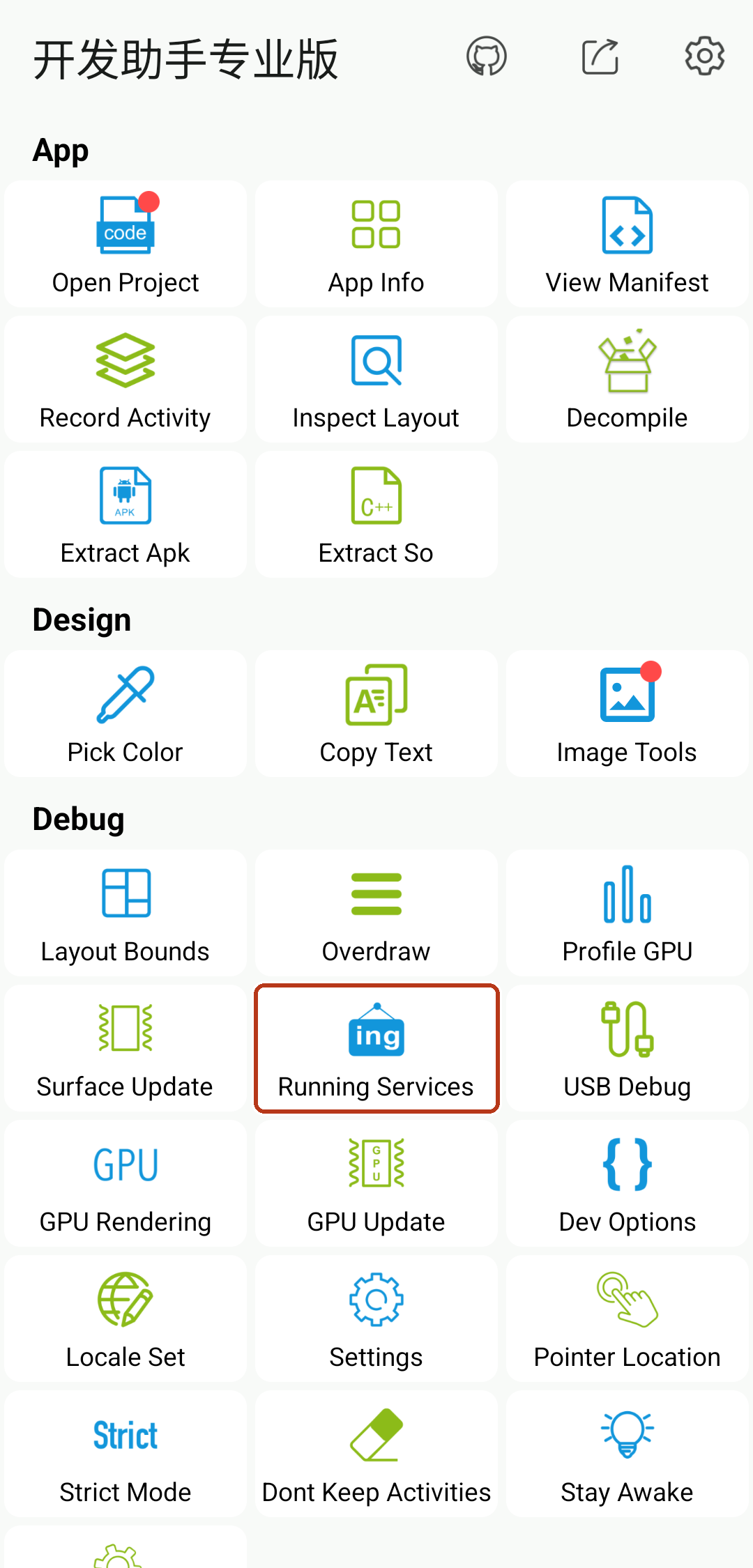
Tap Running Services in the Debug section of the Dev Tools App. If the shortcut opens Developer options, select Running services in Android Settings.
1. Enable Developer options first
Enable Developer options on the test device. The exact wording and placement of Running services depend on the manufacturer.
2. Open the system list
Tap Running Services. If Quick locate lands on the main Developer options page, find Running services and tap it manually. Some system builds omit the page. Manual navigation takes place in Android Settings.
3. Check an entry while it’s active
For example, start media playback in your own test app and look for its process or service in the list. Tap an available item to see more information, such as memory usage. Return after stopping playback to compare the system’s current list.