Use cases / Studying and exam preparation
How to set a Pomodoro timer for a two-hour study session
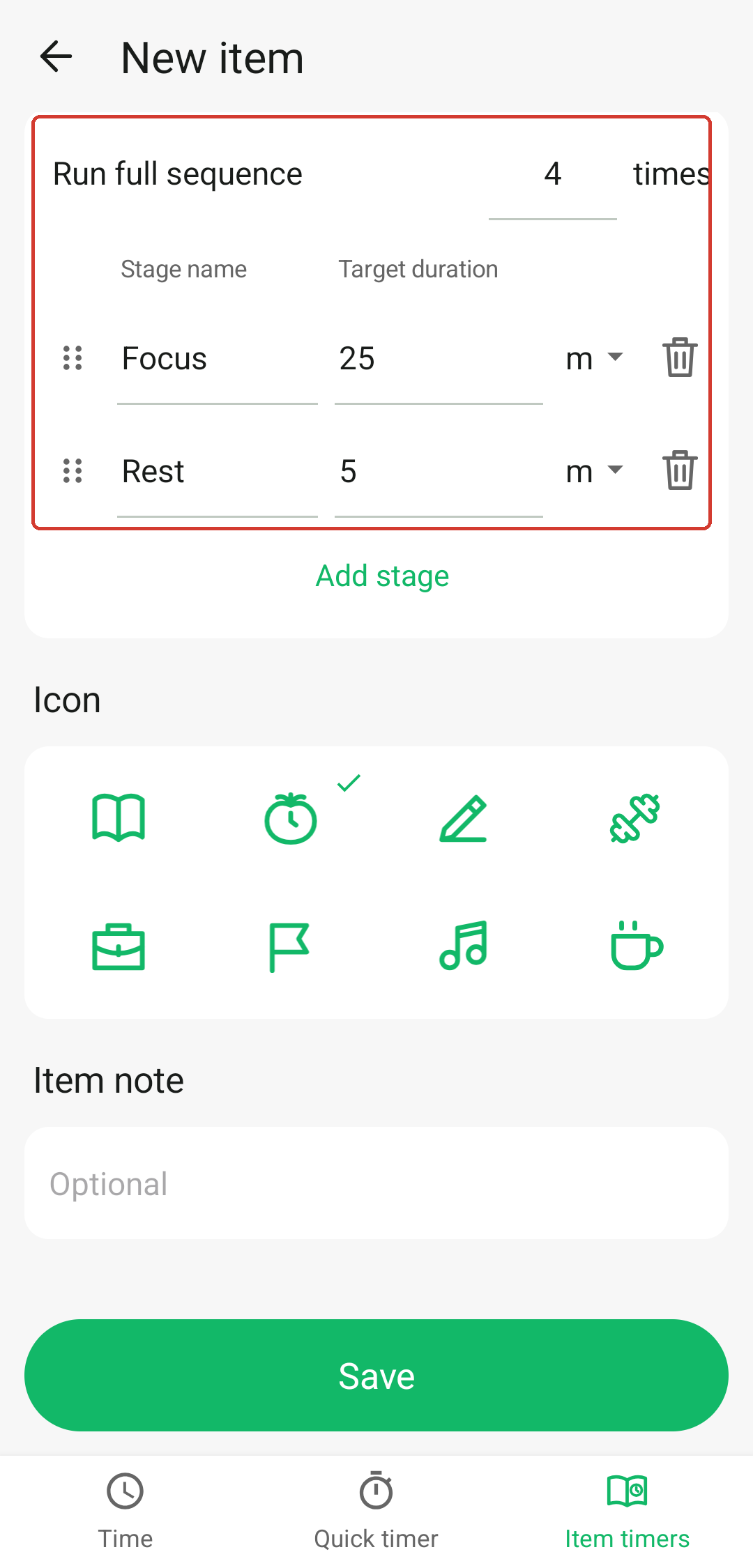
For a two-hour study session, set a 25-minute focus timer and a 5-minute break, then repeat the pair four times. The New Second App switches between stages automatically. You get 100 minutes to study and 20 minutes to rest.
1. Create a Pomodoro timer
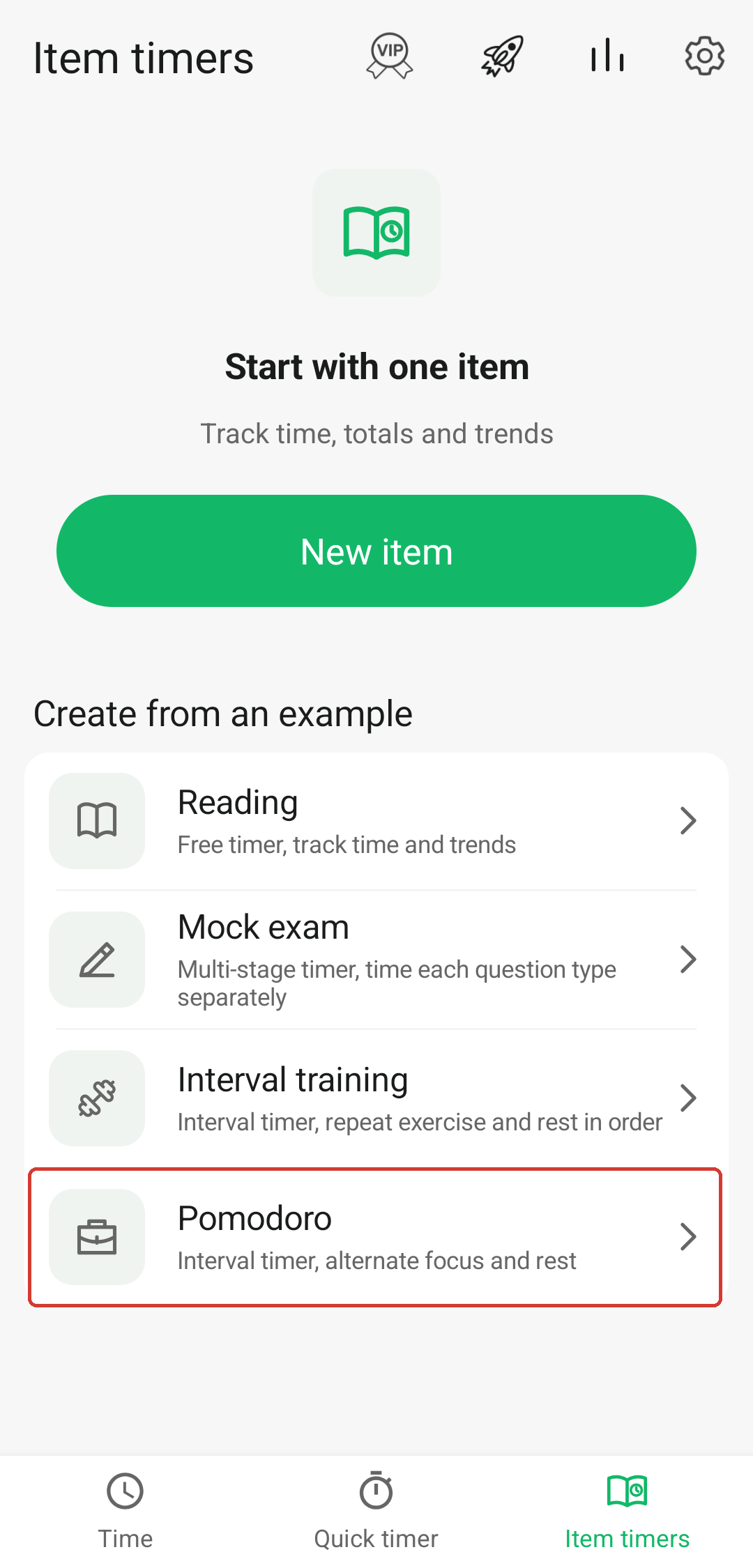
- 1.1Open Item timers. If this is your first item, choose Pomodoro under Create from an example. The focus and break durations are already filled in.
- 1.2If you already have timers under My items, tap New next to the heading and choose Interval timer. Name the timer Pomodoro, then set up the two stages below.
2. Set four rounds and start studying
- 2.1Under Interval settings, set the first stage to Focus for 25 minutes and the second to Rest for 5 minutes. Set Run full sequence to 4 times. Each round lasts 30 minutes, for a total of 2 hours.
- 2.2Tap Save to open the timer. When you’re ready to study, tap Start.
3. Check when the session ends
If you start at 7:00 p.m. and let the timer run, your first break starts at 7:25 and your second study period starts at 7:30. The last focus period ends at 8:55. The final break takes you to 9:00 p.m.
Next time, open the same Pomodoro timer under My items and tap Start.