Use cases / Performance and device troubleshooting
How to capture Android list stutter so a developer can reproduce it
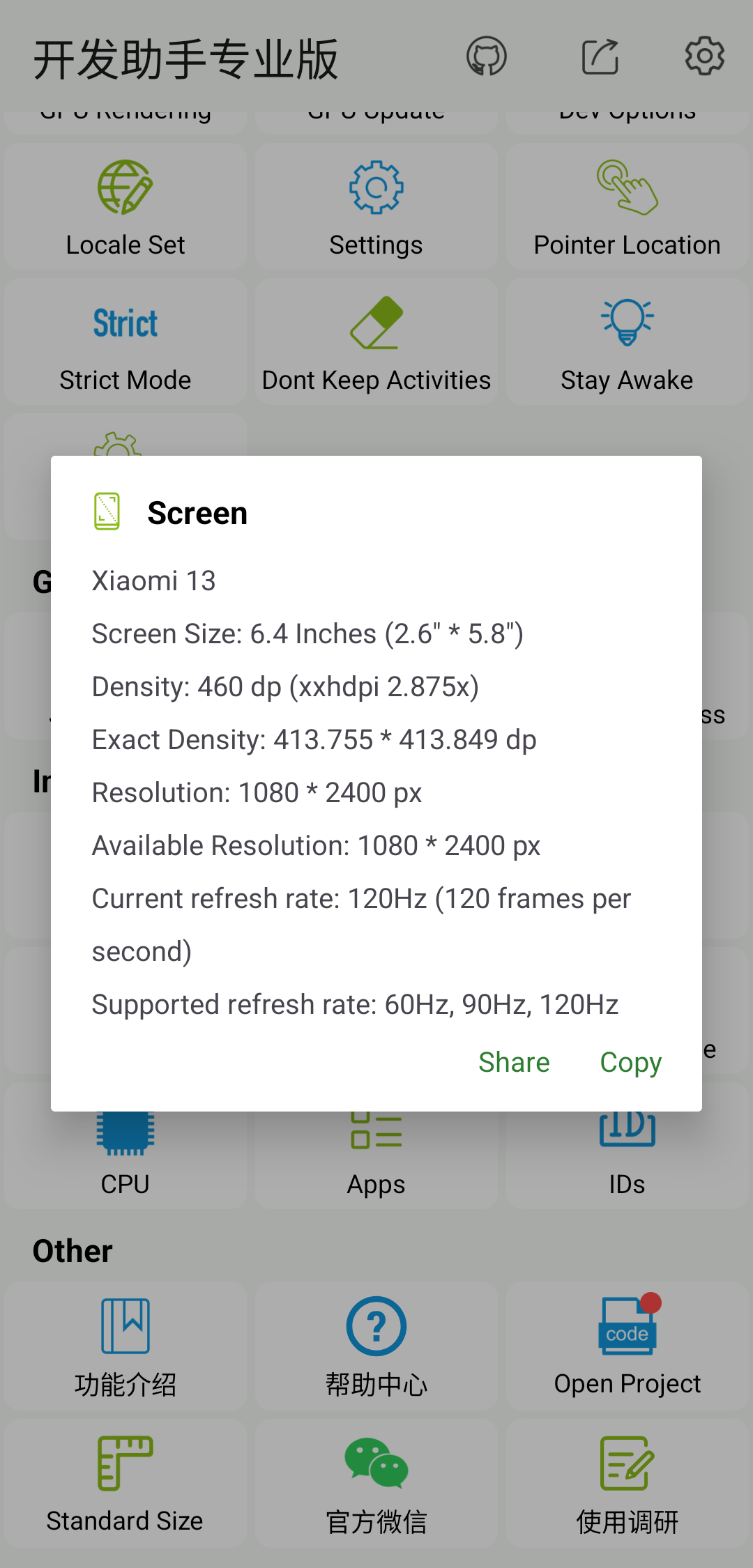
Pick a short, repeatable scroll, such as moving from the first row to the third image. Check the current refresh rate in the Dev Tools App, then capture frame timing and overdraw in separate runs. Use the same row as a landmark in both captures.
1. Start each run under the same conditions
Note the build, screen, first visible row and whether the images have loaded. Reproduce the original hitch with diagnostic overlays off. A display at 120 Hz refreshes about every 8.3 ms, while 60 Hz gives about 16.7 ms. An adaptive display may change rates during the run.
2. Capture the same scroll twice
- 2.1In Debug, open Profile GPU and select the on-screen bars. Repeat the scroll. Save a frame showing the tall bars and note the row entering the viewport.
- 2.2Turn the bars off, then enable the overdraw color overlay. Start again at the same row. Capture the color and the area it covers when the same image comes into view.
- 2.3Restore both settings and repeat once more to confirm the overlays have cleared.
3. Write a replayable report
Fill in the starting row, ending row, refresh rate and number of hitches in three attempts. Add one observation per capture, such as “tall bars when the thumbnail appears” and “overdraw color covers the entire thumbnail row.” The bars locate a slow frame, and the colors show where pixels were drawn repeatedly. A trace can then establish what caused the delay.