Features / Files, text and shortcuts
How to follow codeKK open-source project updates on Android
Open Project appears in both App and Other on the home screen of the Dev Tools App. Open either entry to browse codeKK projects or set up notifications for new entries.
1. Browse from either home-screen entry
Tap Open Project and select an entry to check its name and project link. Both shortcuts open the project feed. The phone needs a connection to load it.
2. Choose a schedule and notification type
Open New Project Notification in the app settings and enable update checks. Choose hourly, daily, weekly or monthly, then set the notification period. Options include Notification Bar, In App and Desktop Corner. Android notification settings and the home-screen launcher can affect visibility.
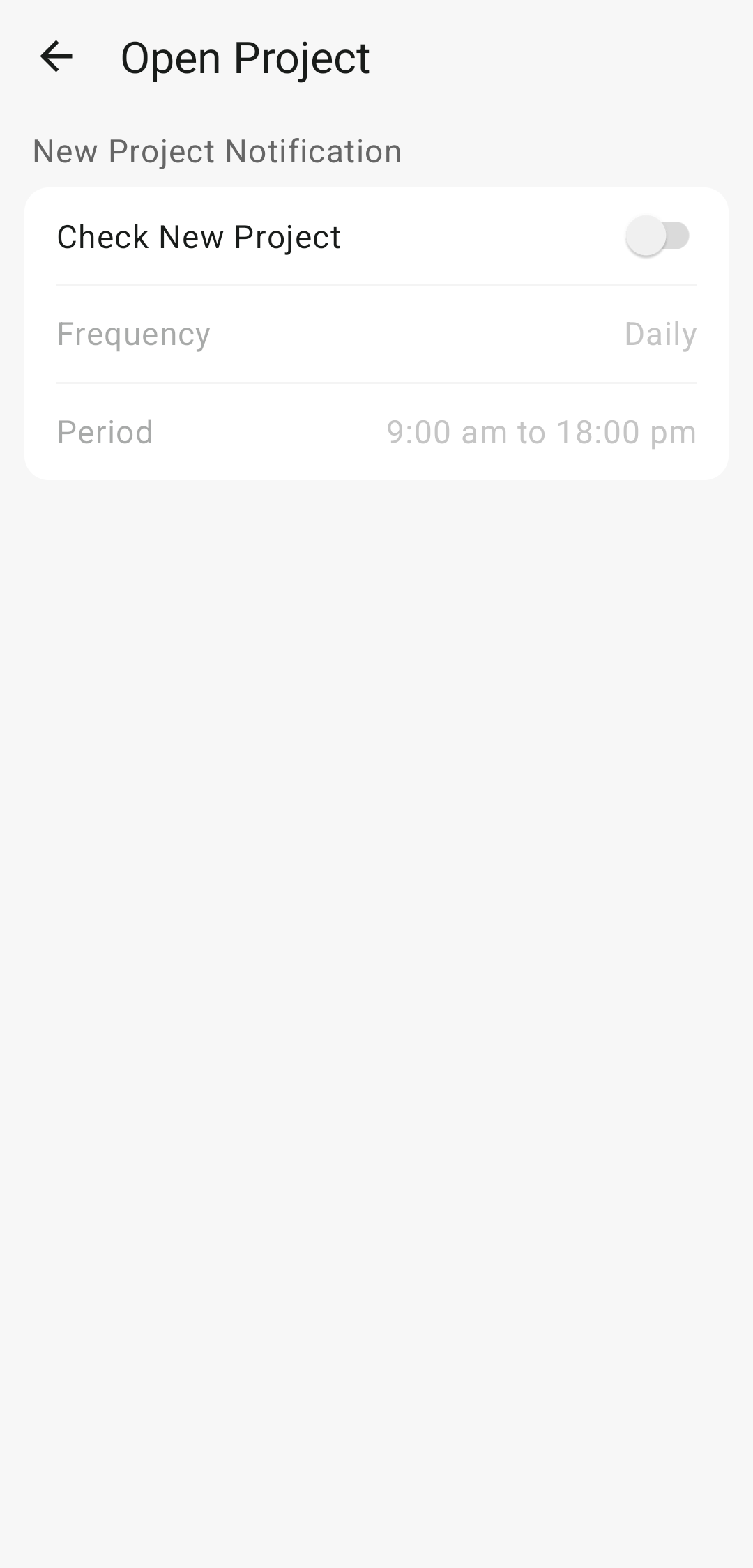
3. Confirm your preferences were saved
For a working-hours setup, choose Daily, select the 9 a.m. to 6 p.m. period and enable Notification Bar. Leave and reopen settings to verify the three values. When a new-project notification arrives, open it to check which project it refers to.