Use cases / Sports training
Record four running lap times with one stopwatch
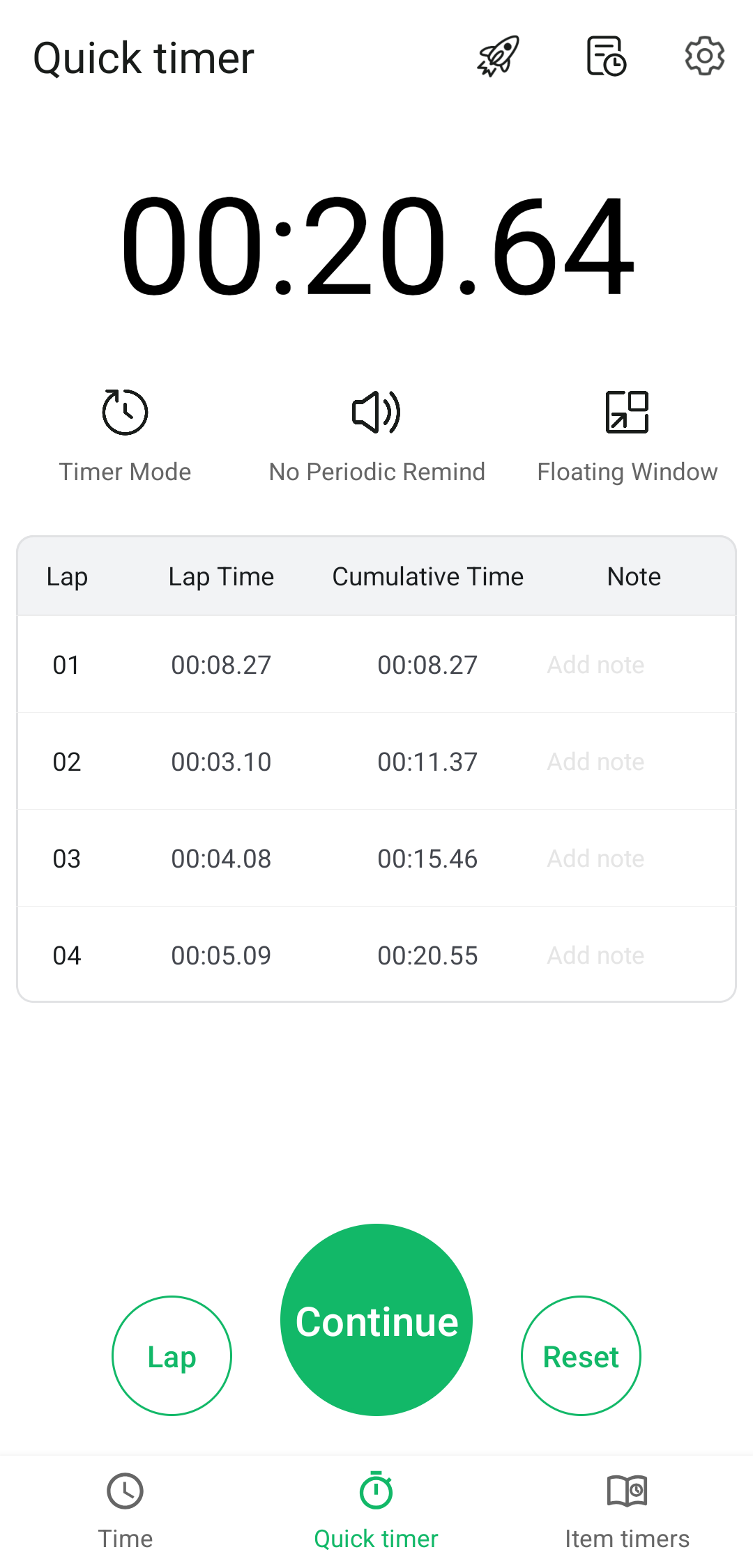
Have a timekeeper start the stopwatch in the New Second App at the signal and tap Lap at each crossing. Keep it running between laps so the total includes the whole run.
1. Mark the finish line
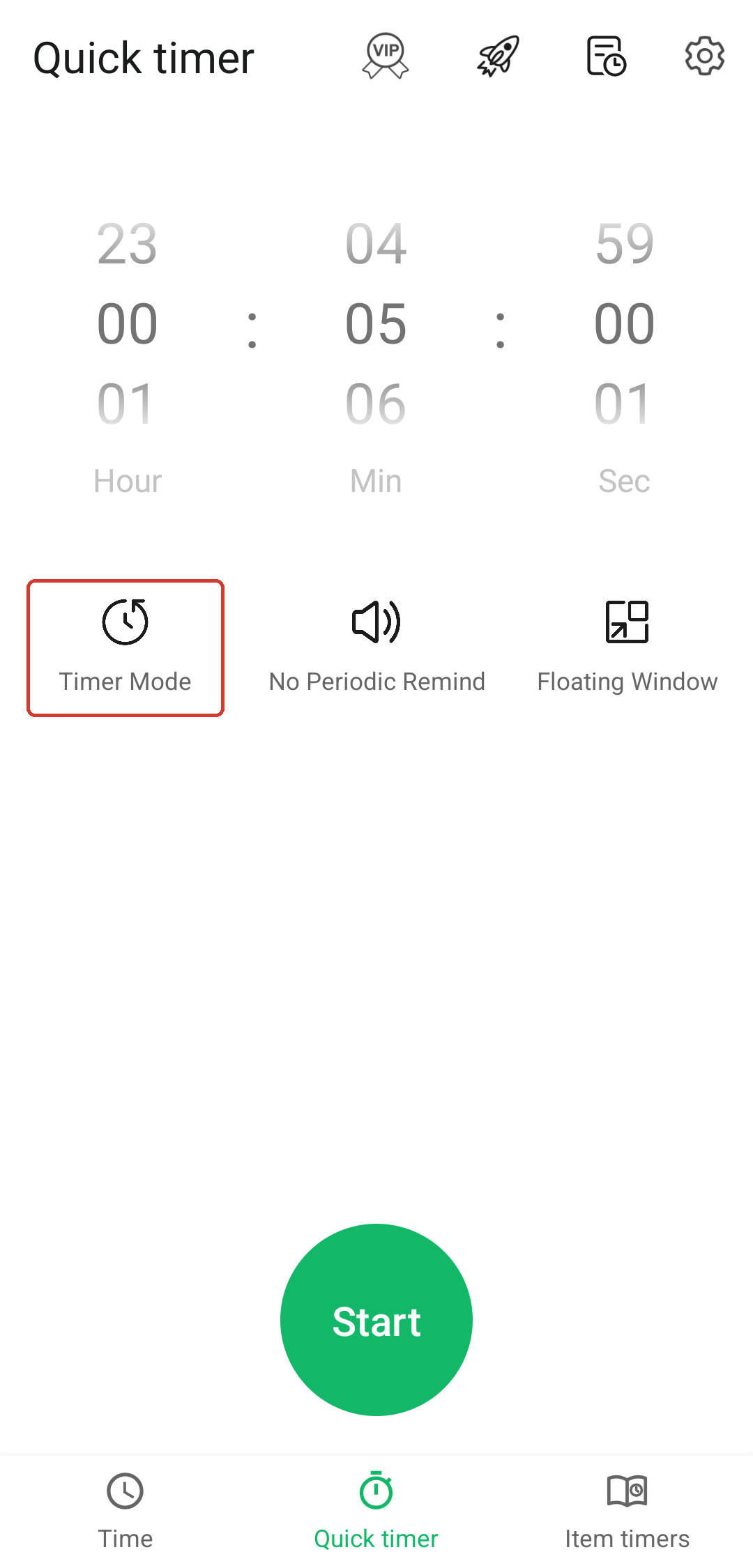
Open the quick timer in stopwatch mode. Stand at one fixed line and agree whether to time from the starting signal or the runner crossing it. Use that convention for the entire session.
2. Read the split and the total
For example, four lap times of 1:38, 1:35, 1:36 and 1:33 give elapsed times of 1:38, 3:13, 4:49 and 6:22. Lap four is fastest. The final elapsed time is the result for the run.
3. Send the coach the four splits
Mark the fourth crossing and stop timing. Check the four running splits in Timer History before sharing. If a short trailing interval appears between the fourth tap and stopping, use the elapsed time at the fourth crossing for the finish.