Use cases / Habits and weekly reviews
How much time did you actually spend reading or practising this week?
In the New Second App, keep using the same item for the activity you want to track. A single Reading item lets you see weekly reading time without mixing in piano practice.
1. Create one item and reuse it
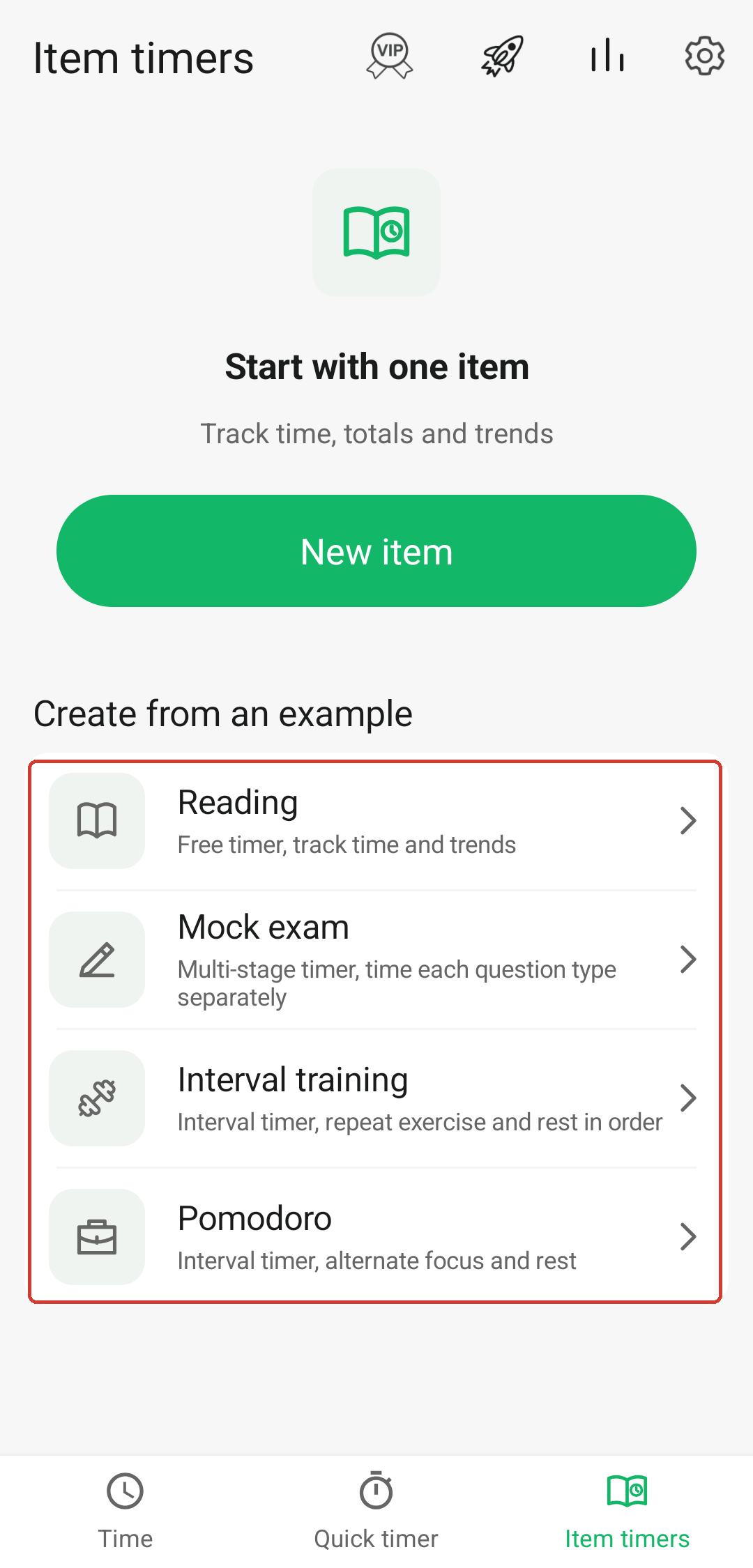
In Item timers, create a Free timer called Reading. Start it when you open your book and stop it when you finish. For faster access, add an item timer widget on your home screen and choose Reading.
One Reading item is enough to track reading. Keeping separate Free timer items for both Reading and Piano requires Pro.
2. Fill in a missed session once
If you forgot to start the timer on Wednesday but noted 35 minutes, open Reading and add a record with Wednesday’s start time and duration. Check the existing records for that day first.
3. Read total minutes and active days separately
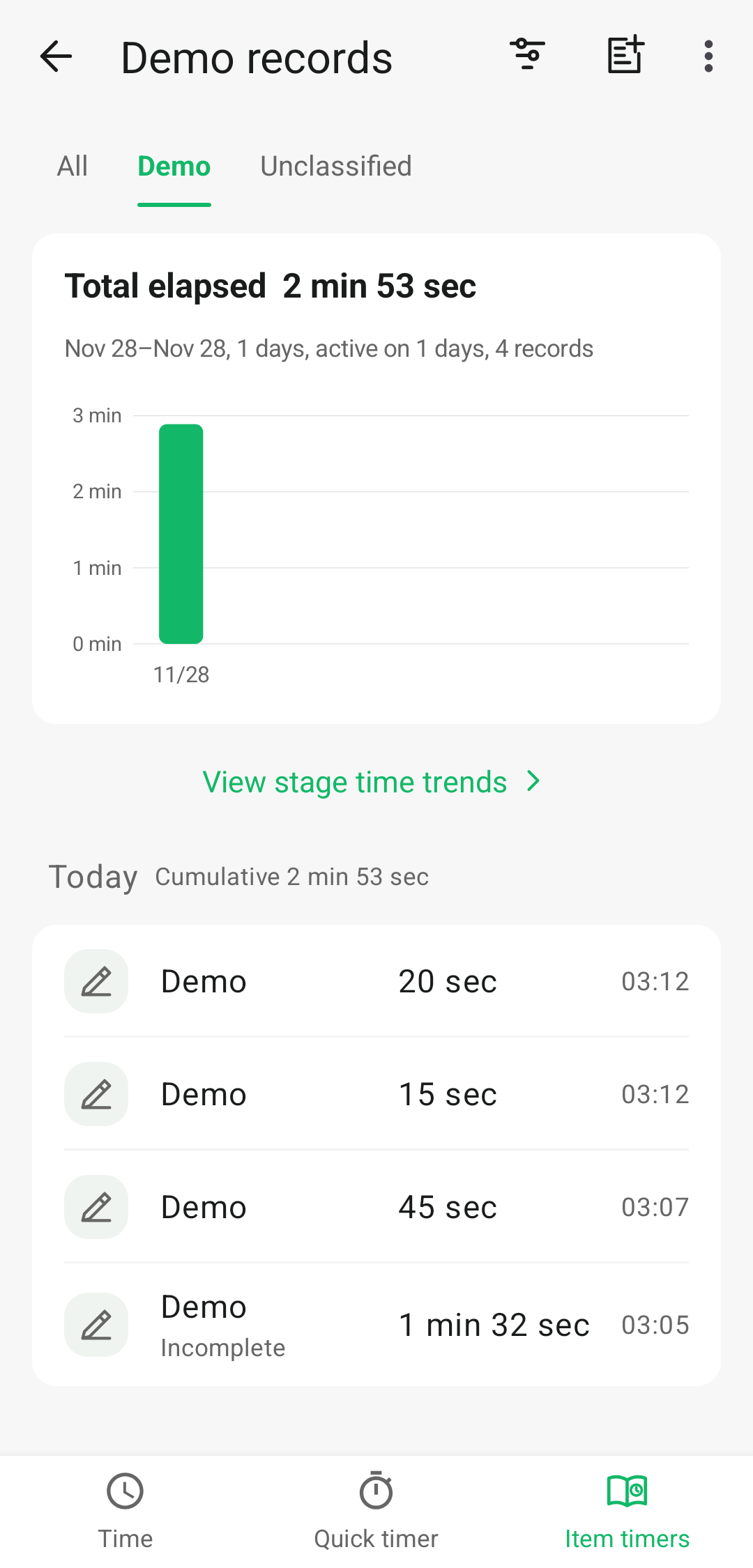
If Monday was 20 minutes, Wednesday 35 and Saturday 25, select that week in the item’s statistics. Expect 80 minutes across three active days. A second session on Wednesday adds minutes but leaves the day count at three.