Use cases / Work and time tracking
Turn a week of item timer records into an Excel timesheet
The New Second App Pro export includes both session summaries and detail rows. For a weekly timesheet, count only the summaries so a timed meeting does not appear twice.
1. Record work under stable project names
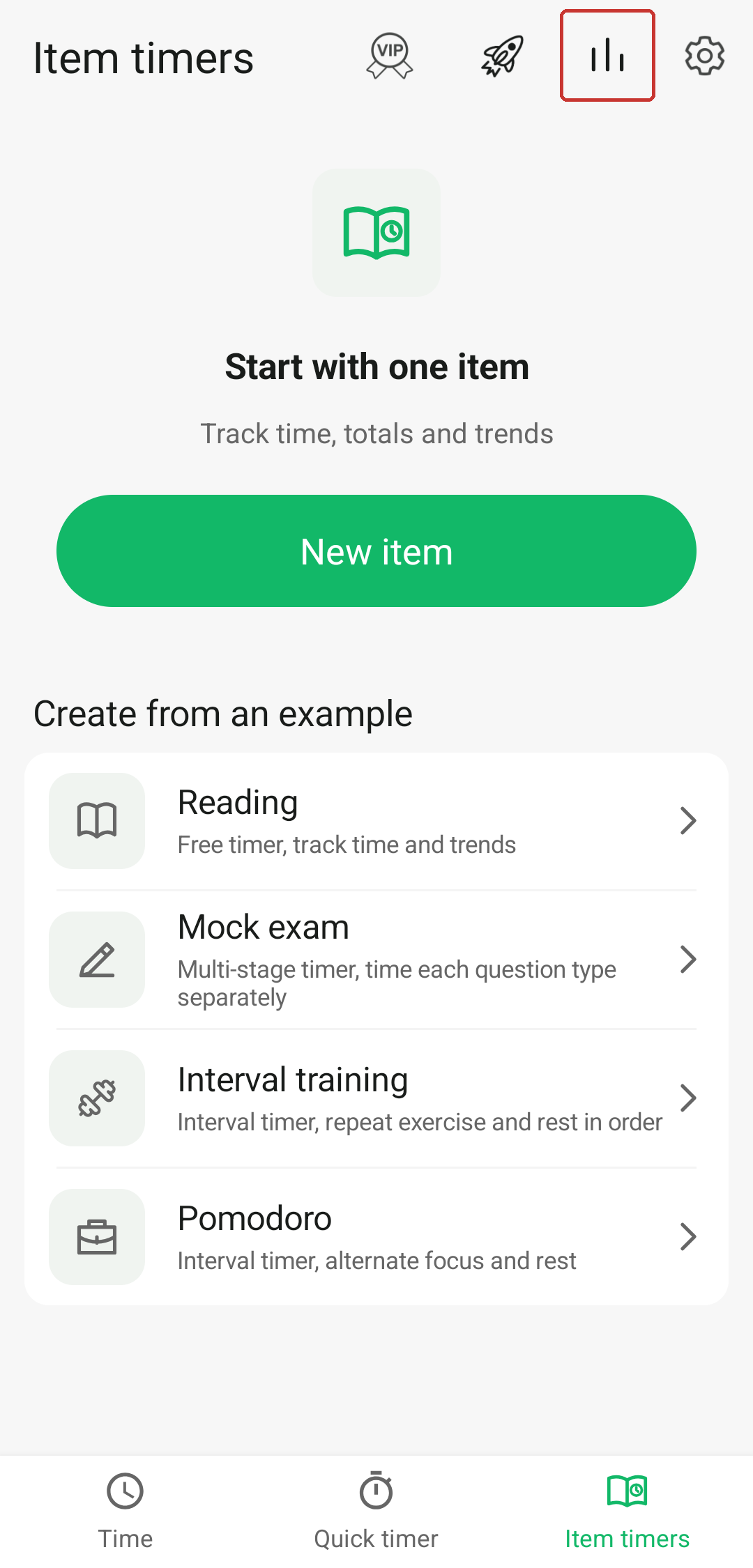
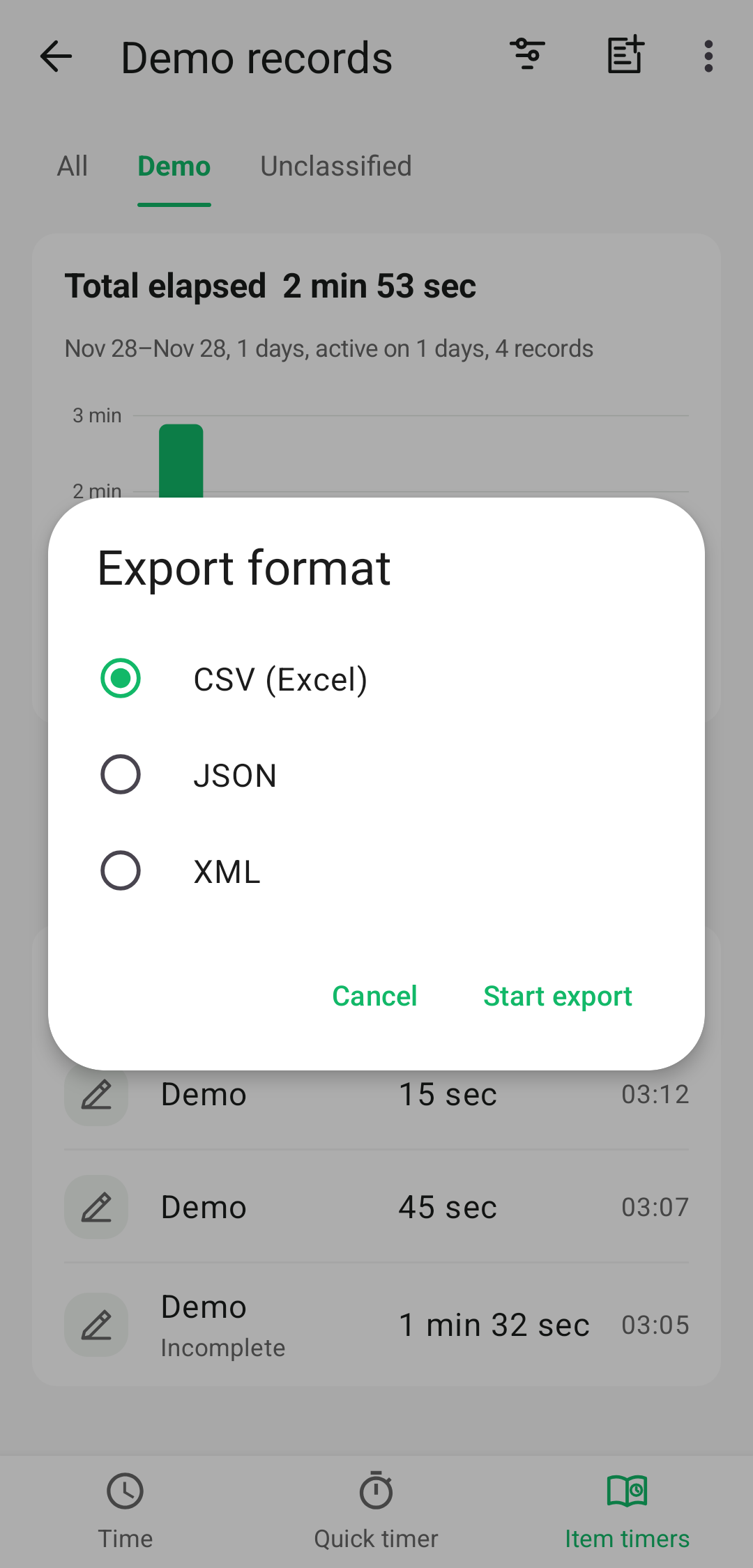
Create an item per project, such as Client work and Internal planning. Reuse the same item every time. In Item timers, open the data export, select CSV and save the file where you can open it in Excel.
2. Filter the export to one row per session
In Excel, import as UTF-8 CSV. Filter Entry to Summary and Started at to your reporting week. Keep Item name, Started at and Elapsed total. Check Time zone if the records span travel dates.
3. Add a numeric minutes column
Elapsed total can contain formatted text such as 2m. Enter numeric minutes in a separate column before summing. Two example sessions of 45 and 30 minutes for Client work should give 75 minutes, or 1.25 hours. A session crossing the week boundary needs its time split if your report allocates hours by calendar week.